Royale Fortune Account Dashboard Tour: Balance, History, and Settings
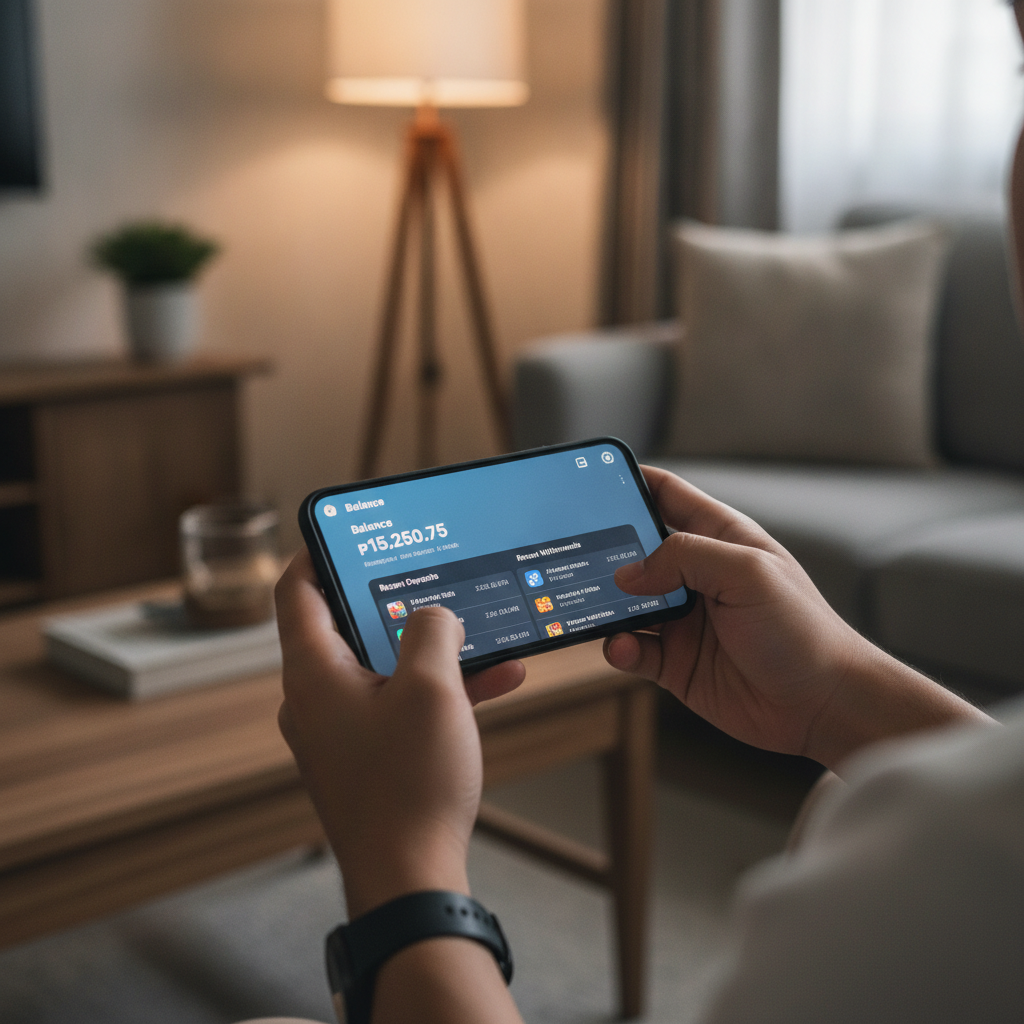
Logging In and Navigating Your Royale Fortune Account Homepage on Mobile
After you complete Royale Fortune register and verify your identity, your account dashboard becomes your control center for all betting activity. To access it, open the Royale Fortune site in your mobile browser or app, then tap the Royale Fortune login button at the top right. Enter your registered mobile number or email and password.
Once logged in, you land on your account homepage. On most Android screens, you'll see a top navigation bar with your username and a menu icon (three horizontal lines). Tap that icon to open the main account menu. The homepage typically displays quick shortcuts to your wallet balance, recent bets, and any active promotions you've opted into.
The layout is designed for small screens: each section stacks vertically so you can scroll through balance, history, and settings without switching pages constantly. If you're new to online casinos, spend a few minutes tapping through each menu item to understand where everything lives before you place your first bet.
Checking Your Current Balance and Recent Transaction History
Your peso balance appears near the top of the account screen, usually labeled "Main Wallet" or "Available Balance." This figure shows how much you can bet or withdraw right now. If you deposited PHP 200 via GCash and placed a PHP 50 bet on a slot, your balance will reflect the remaining PHP 150 plus any winnings.
To see a detailed list of deposits, bets, and payouts, look for a "Transactions" or "History" tab in the account menu. Tap it to open your transaction log. You'll see entries like:
- Deposit – The amount you added through GCash, Maya, or bank transfer, with the date and time.
- Bet – Money deducted when you spin a slot, join a live dealer hand, or place a sports wager.
- Win – Credits added back to your balance from successful bets.
- Withdrawal – Requests you've made to cash out via InstaPay or PESONet.
Each line usually shows the transaction type, amount in pesos, status (completed, pending, or canceled), and a timestamp. If a deposit doesn't appear within a few minutes, check the status column; GCash and Maya transfers are typically instant, but bank transfers over PESONet can take several hours.
Use this log to track your spending. If you set a personal budget of PHP 500 per week, scroll through your recent deposits to confirm you're staying within that limit.
Where to Update Your Password, Email, and Mobile Number
Account security and contact details are managed in the "Settings" or "Profile" section. From the main menu, tap "Account Settings" or a gear icon. You'll see options to change:
- Password – Tap "Change Password," enter your current password, then type and confirm a new one. Choose a strong password that mixes letters, numbers, and symbols.
- Email Address – If your email changes, tap "Update Email," type the new address, and confirm it by clicking a link Royale Fortune sends to that inbox.
- Mobile Number – Tap "Update Mobile," enter the new number, and verify it with an SMS code. Your mobile number is often used for two-factor login codes and withdrawal confirmations, so keep it current.
Some platforms require you to contact customer support to change your registered name or birthdate, because those fields tie to ID verification. If you need to update other personal details, look for a "Contact Support" button in the settings menu or send a message through live chat.
Updating your password every few months and enabling two-factor authentication (if available) helps protect your balance from unauthorized access.
Finding Your Betting History for Slots, Live Dealer, and Sports
Beyond the general transaction log, Royale Fortune offers game-specific histories so you can review every spin, hand, and match bet.
Slots History: In the account menu, tap "Slots History" or "Game History." You'll see a list of sessions with the game title, bet amount, result (win or loss), and timestamp. If you played a progressive jackpot slot, the log may also show the jackpot contribution from each spin.
Live Dealer History: Look for "Live Casino History" or "Table Games History." This section lists each baccarat, blackjack, or roulette round you joined, the dealer's name, your bet, and the outcome. Some platforms display a hand or round ID so you can cross-reference with dealer footage if you have questions about a result.
Sports Betting History: Tap "Sports Bets" or "Sportsbook History." Here you'll find every wager on PBA, NBA, volleyball, and other events. Each entry shows the match, your pick (moneyline, spread, or over/under), stake, odds, and settlement status (pending, won, lost, or voided). For parlays, the log breaks down each leg so you can see which selections hit and which missed.
Reviewing your betting history helps you spot patterns—such as which slot volatility suits your budget, or whether your basketball picks perform better on home or away teams. It's also a responsible-gambling tool: if you notice you're chasing losses or betting more than planned, you can take a break or adjust your limits.
Setting Deposit Limits and Session Reminders (Responsible Gambling Tools)
Royale Fortune includes features to help you stay in control. In the account settings menu, look for a section labeled "Responsible Gaming," "Limits," or "Self-Control."
Deposit Limits: Tap "Set Deposit Limit" and choose a daily, weekly, or monthly cap in pesos. For example, if you set a weekly limit of PHP 1,000, the platform will block any deposit that would push your seven-day total above that amount. GCash or Maya transactions beyond the limit will be declined until the next period starts.
Once you set a limit, it usually takes effect immediately. If you want to increase it, many platforms impose a 24- or 72-hour cooling-off period to prevent impulsive changes during a losing streak. Decreasing a limit or removing it entirely may apply right away.
Session Reminders: Some dashboards let you enable pop-up alerts after a certain number of minutes. For example, you can ask for a reminder every 60 minutes. When the timer expires, a message will appear asking if you want to continue or log out. This nudge helps you stay aware of how long you've been playing and gives you a natural pause to check your balance and mood.
Self-Exclusion: If you feel you need a longer break, look for "Take a Break" or "Self-Exclude." You can lock your account for 24 hours, one week, one month, or longer. During that period, Royale Fortune login will be disabled and you won't receive marketing messages. Contact customer support if you want to discuss permanent exclusion options.
Using these tools doesn't mean you have a problem—it means you're betting responsibly. Even recreational players benefit from deposit caps and time reminders to keep gambling fun rather than stressful.
21+ Only and Responsible Gaming Best Practices
Royale Fortune and this guide are for players aged 21 and over only. Online casino and sports betting are restricted to adults who can manage the financial and emotional aspects of gambling.
Best Practices:
- Treat your deposit as entertainment spending, not a way to make money. If you deposit PHP 200, think of it like buying a movie ticket or a meal out—you're paying for the experience.
- Never bet money you need for bills, rent, or food. Only use disposable income you can afford to lose.
- Set a budget before you log in. Decide your deposit limit for the week, write it down, and stick to it. Once you hit that amount, stop until the next period.
- Take regular breaks. Stand up, stretch, and step away from your phone between betting sessions. Continuous play can lead to fatigue and poor decisions.
- Avoid chasing losses. If you lose your budgeted amount, accept it and log out. Depositing more to "win it back" usually deepens losses.
- Use the dashboard tools. Set deposit limits and session reminders every time you log in, even if you've done it before. Refresh your commitment to responsible play.
- Ask for help if gambling feels out of control. If you find yourself hiding deposits from family, borrowing money to bet, or feeling anxious when you can't play, reach out to a counselor or support group.
Your Royale Fortune account dashboard gives you full visibility into your balance, transaction history, and betting records, plus the tools to set healthy boundaries. Check it regularly, update your security settings, and use the responsible-gaming features to keep your experience safe and enjoyable. Remember: gambling should be fun, not a source of stress or financial hardship. Play responsibly, and only if you are 21 or older.