How to Make Your First Deposit at Royale Fortune Using GCash
Why GCash Is a Popular Choice for Royale Fortune Deposits
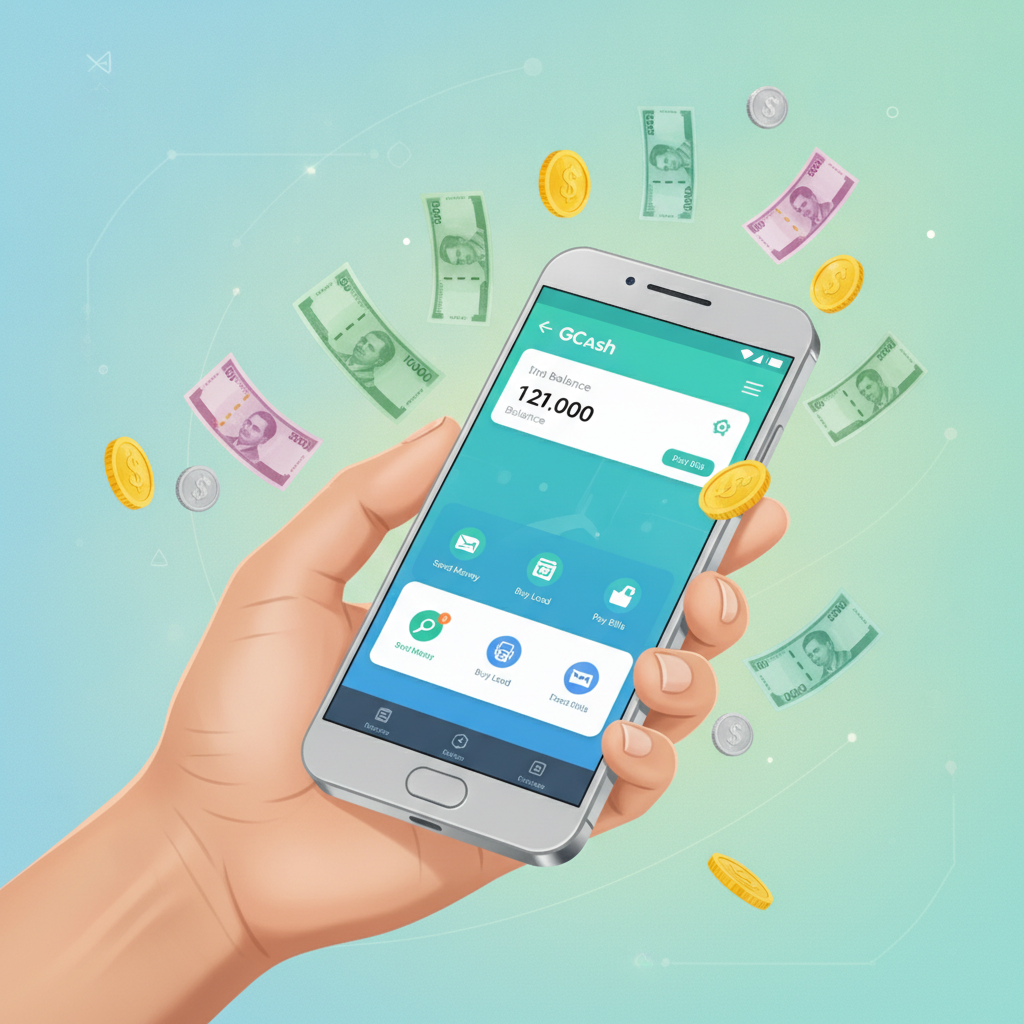
GCash has become one of the most convenient ways for Filipino players to fund their Royale Fortune accounts. As a mobile wallet already installed on millions of Android phones across Metro Manila and the provinces, GCash lets you move money from your e-wallet to your casino balance in minutes—without needing to visit a bank or fill out lengthy forms.
Royale Fortune is an online casino and sportsbook serving players in the Philippines with slots, jackpot games, live dealer tables, sports betting on PBA, NBA and volleyball, plus bingo. For players who prefer quick, mobile-first transactions in pesos, GCash fits naturally into the deposit flow.
This guide walks you through making your first deposit at Royale Fortune using GCash, from the minimum amount required to how long you'll wait before you can start playing.
Remember: Royale Fortune is for players aged 21 and over. Always play within your means and set a budget before you deposit.
Minimum Deposit Amount at Royale Fortune
Before you open the GCash app, it helps to know the minimum deposit Royale Fortune will accept. For most Filipino online casinos, including Royale Fortune, the minimum deposit is typically PHP 100.
This low entry point makes it practical for casual players who want to try a few slot spins, place a small bet on a PBA game, or sit at a live dealer table without committing a large amount upfront. Many players in the provinces and Metro Manila deposit between PHP 100 and PHP 500 per session, keeping their budgets manageable.
If you try to deposit less than PHP 100, the transaction may be declined or you'll see an error message in the cashier. Always check the amount displayed on the deposit screen before you confirm—Royale Fortune's cashier will usually show the minimum and maximum limits for GCash right on the page.
Step-by-Step: Selecting GCash as Your Deposit Method
Once you've registered your Royale Fortune account and verified your mobile number (and ID, if required), you're ready to add funds. Here's how to select GCash as your deposit method:
- Log in to your Royale Fortune account from your mobile browser or app. Enter your username or mobile number and password on the Royale Fortune login page.
- Tap the Deposit button. You'll usually find this in the top-right corner of the screen, or in the account menu. Some interfaces label it "Cashier" or "Add Funds."
- Choose GCash from the list of payment methods. Royale Fortune supports several deposit options—GCash, Maya, bank transfer over InstaPay and PESONet—so make sure you select the GCash icon or tile.
- Enter the amount you want to deposit. Type in a value between the minimum (PHP 100) and the maximum allowed per transaction. Double-check the number before you continue—once the transaction is sent to GCash, you can't edit the amount from the Royale Fortune side.
- Review the transaction details. The screen should display your GCash mobile number (linked during registration or account setup), the deposit amount, and any fees. Royale Fortune does not typically charge a deposit fee for GCash, but it's always wise to confirm what you'll actually pay.
- Tap Confirm or Proceed. This sends the request to GCash and redirects you to the GCash authentication screen.
At this point, you'll leave the Royale Fortune site or app and land in your GCash app or a GCash webview. Keep your phone unlocked and your GCash app updated—older versions sometimes struggle with secure redirects.
Entering the Amount and Confirming the Transaction in Your GCash App
After Royale Fortune redirects you, the GCash app (or browser plugin) will open and show a payment request. Here's what happens next:
- Verify the merchant name and amount. The request should display "Royale Fortune" or the payment gateway Royale Fortune uses (sometimes a third-party processor name appears). Confirm that the peso amount matches what you entered in the Royale Fortune cashier.
- Authenticate with your GCash MPIN or biometrics. Enter your four- or six-digit MPIN, or use your fingerprint or face unlock if you've enabled biometric login in GCash settings.
- Tap Pay or Confirm Payment. GCash will deduct the amount from your wallet balance. If your GCash wallet doesn't have enough funds, the transaction will fail—make sure you've cashed in to GCash beforehand at a 7-Eleven, through online banking, or via other top-up methods.
- Wait for the success screen. GCash will display a confirmation message with a reference number. Screenshot this page if you want a record for your own tracking, though Royale Fortune and GCash will both log the transaction automatically.
- Return to Royale Fortune. In most cases, the GCash screen will show a "Return to Merchant" button or will redirect you back after a few seconds. Tap that button to go back to your Royale Fortune account page.
If the GCash app crashes or your browser times out during this step, don't panic. Check your GCash transaction history to see whether the payment was deducted. If it was, the deposit should still credit to Royale Fortune within a few minutes. If the money left your GCash wallet but doesn't appear in your Royale Fortune balance after 10 minutes, note the GCash reference number and contact Royale Fortune customer support.
How Long It Takes for Funds to Appear in Your Royale Fortune Balance
GCash deposits at Royale Fortune are usually instant or near-instant. In most successful transactions, you'll see the updated peso balance in your Royale Fortune account within one to three minutes of confirming payment in GCash.
Here's what influences the speed:
- Payment gateway response time. Royale Fortune uses a third-party processor to handle GCash transactions. If that processor's server is busy (for example, during peak evening hours when many players deposit at once), the credit may take an extra minute or two.
- GCash system load. On paydays—typically the 15th and 30th of the month—GCash sees heavy traffic. Transactions still complete, but authorization can lag by a few minutes.
- Your internet connection. If you're on a slow mobile data signal or an unstable Wi-Fi network, the redirect back to Royale Fortune might time out. The money will still move from GCash to Royale Fortune's gateway, but your balance display might not refresh until you reload the page or log in again.
What to do if funds don't appear after five minutes:
- Refresh your Royale Fortune account page or log out and log back in. Sometimes the balance counter doesn't update in real time.
- Check your GCash transaction history. Open the GCash app, tap "Transaction History," and look for the payment to Royale Fortune. If it shows "Success" or "Completed," the money left your wallet.
- Contact Royale Fortune support. Use live chat (usually available 24/7) or email support with your GCash reference number, registered mobile number, and deposit amount. The team can trace the transaction and credit your account manually if needed.
In our experience, delayed GCash deposits are rare. Most first-time users see their PHP 100, PHP 200, or PHP 500 deposit land in seconds, and they can start spinning slots or placing a bet on an NBA game right away.
Tips for a Smooth First GCash Deposit at Royale Fortune
- Make sure your GCash wallet is verified. Unverified GCash accounts have lower transaction limits and may not work with some merchant gateways. If you haven't submitted an ID to GCash yet, complete that step in the GCash app before depositing.
- Use the same mobile number for GCash and Royale Fortune. This keeps your transaction records clean and helps Royale Fortune's system match your payment faster.
- Deposit during off-peak hours if you're in a hurry. Early mornings and mid-afternoons see less traffic than evenings and weekends, so transactions may process a bit faster.
- Keep a small buffer in your GCash wallet. If you want to deposit PHP 100, load PHP 120 or PHP 150 into GCash so you have extra pesos in case you mistype the amount or want to make a second deposit later without cashing in again.
- Don't close the browser or app mid-transaction. Let the redirect to GCash and back to Royale Fortune complete fully. Interrupting the flow can cause the deposit to hang or require manual verification by support.
What Happens After Your Deposit Is Credited
Once your peso balance appears in your Royale Fortune account, you're free to explore the platform:
- Slots and jackpot games. Browse hundreds of titles from local and international providers. Minimum bets often start at PHP 1 or PHP 5 per spin, so a PHP 100 deposit can stretch across many rounds.
- Live dealer tables. Join real-time baccarat, blackjack, or roulette streamed from studios. Minimum bets at live tables typically range from PHP 50 to PHP 100 per hand, depending on the table.
- Sports betting. Place bets on PBA, NBA, volleyball, and other events. Minimum stake amounts vary by sport and market, but many single bets accept as little as PHP 10 or PHP 20.
- Bingo. Buy cards for scheduled bingo sessions. Card prices and prize pools differ by room; check the lobby for details.
If you deposited specifically to claim a welcome bonus or reload offer, remember that bonuses and promotions are covered in detail on sibling sites focused on Royale Fortune bonus comparisons. This guide sticks to the deposit mechanics so you understand exactly how to move pesos from GCash into your account.
Play Responsibly: 21+ Only
Royale Fortune is intended for players aged 21 and over. Online gambling should be a form of entertainment, not a way to make money or solve financial problems.
Before you make your first deposit—whether it's PHP 100 or PHP 500—decide how much you're comfortable losing. Treat that amount as the cost of entertainment, similar to a movie ticket or a night out. If you find yourself depositing more than you planned, or if gambling is affecting your daily life, seek help through the National Center for Mental Health or other local support services in the Philippines.
Set deposit limits in your GCash app if you want an extra layer of control, and take breaks between sessions. Royale Fortune and other online casinos are always available; there's no rush to play beyond your budget.
Final Thoughts
Depositing at Royale Fortune using GCash is straightforward: log in, select GCash in the cashier, enter at least PHP 100, confirm in your GCash app, and watch your balance update in a minute or two. The process is designed for mobile-first Filipino players who want to fund their accounts quickly, bet in pesos, and get back to the games.
If this is your first time using Royale Fortune, take a moment to explore the slots lobby, check the live dealer schedule, or browse upcoming PBA and NBA fixtures before you place your first bet. And remember: always play within your means, stick to your budget, and enjoy the experience responsibly.
21+ only. Gambling can be addictive. Play responsibly and seek help if needed.